
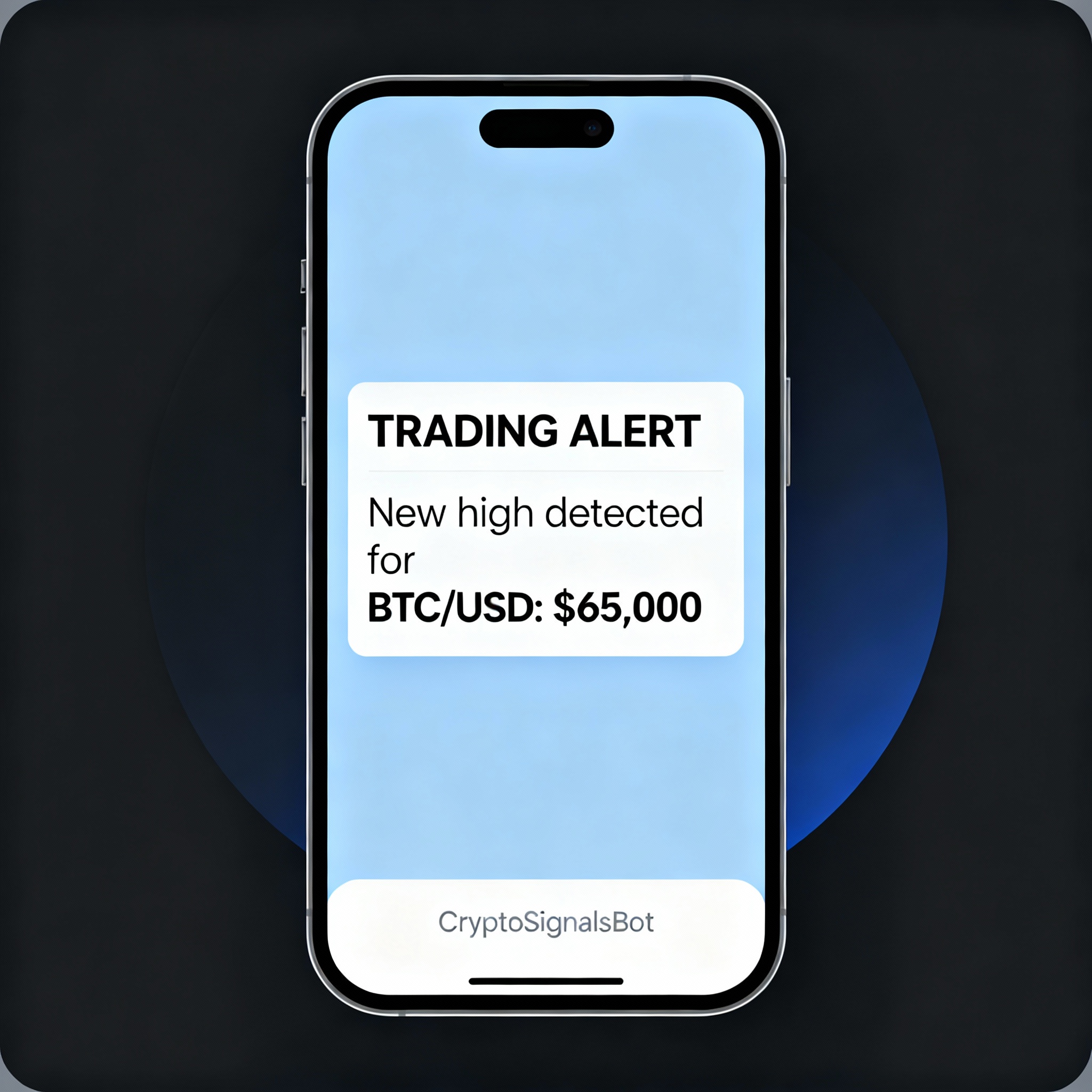
One of the most important aspects of investing is the ability to stay informed the moment something happens. Most brokers offer alert mechanisms, typically for price changes, and also to receive daily news bulletins easily. But what if you’re looking for more customised information? For instance, something simple, such as receiving an alert when a fast-moving average crosses above a slow-moving average, or if you require alerts for more complex indicators, the only option is to develop your own alert system.
What will you need?
- A machine that runs 24/7. Depending on the criticality of your operation, you may want to rent a VPS in the cloud or have your own machine running. Personally, I have a mini pc that I have on all the time.
- A Python script that you will use to develop your rules and trigger them accordingly.
- A Data provider. I use EODHD for that. You can get 10% off with my affiliate link here. Your signup also supports my work and helps fund the creation of new content.🙏🏻
Last but not least, you need to receive the alerts somewhere, right? One solution that I personally prefer is Telegram. You can access it on both your mobile device and desktop, and receive your alerts as they happen.
How to set up Telegram
First, you will need to search for the BotFather. Make sure you select the official one.

You can use the messages to interact with the bot. You can always send /help so you can see all the available options

The first option is /newbot so this is how you are going to create one:

Then you should choose a name. This has to be unique among your bots.

Then, select a name for the user associated with this bot. This should be unique among all the Telegram users ending with the word bot, so be creative.

Now you can select the link from the beginning of the message, and Telegram will open to your brand new bot. Keep the token for the bot handy
You need to start a chat with the bot so you will be able to get the chat ID. Simply put this in your browser, replacing the <YourBotToken> with the HTTP API token from above.
https://api.telegram.org/bot<YourBotToken>/getUpdatesYou should get something like the following. Get the chat ID

Sending a message to Telegram
Now sending the message will be very easy. It is just an http request. The following class shows how you can send a message or even attachments like images, documents, audio and video:
import requests

TELEGRAM_TOKEN = 'YOUR TOKEN'
TELEGRAM_CHAT_ID = 'YOUR CHAT ID'

import requests

class TelegramBot:
    def __init__(self, token: str, chat_id: str):
        self.token = token
        self.chat_id = chat_id
        self.base_url = f"https://api.telegram.org/bot{self.token}/"

    def send_message(self, message: str, parse_mode: str = "Markdown"):
        url = self.base_url + "sendMessage"
        payload = {
            "chat_id": self.chat_id,
            "text": message,
            "parse_mode": parse_mode
        }
        response = requests.post(url, data=payload)
        response.raise_for_status()
        print("Message sent:", response.json())

    def send_photo(self, image_path: str, caption: str = None):
        url = self.base_url + "sendPhoto"
        payload = {
            "chat_id": self.chat_id,
        }
        if caption:
            payload["caption"] = caption

        with open(image_path, "rb") as image_file:
            files = {"photo": image_file}
            response = requests.post(url, data=payload, files=files)
            response.raise_for_status()
            print("Photo sent:", response.json())

    def send_document(self, document_path: str, caption: str = None):
        url = self.base_url + "sendDocument"
        payload = {
            "chat_id": self.chat_id,
        }
        if caption:
            payload["caption"] = caption

        with open(document_path, "rb") as document_file:
            files = {"document": document_file}
            response = requests.post(url, data=payload, files=files)
            response.raise_for_status()
            print("Document sent:", response.json())

    def send_audio(self, audio_path: str, caption: str = None):
        url = self.base_url + "sendAudio"
        payload = {
            "chat_id": self.chat_id,
        }
        if caption:
            payload["caption"] = caption

        with open(audio_path, "rb") as audio_file:
            files = {"audio": audio_file}
            response = requests.post(url, data=payload, files=files)
            response.raise_for_status()
            print("Audio sent:", response.json())

    def send_video(self, video_path: str, caption: str = None):
        url = self.base_url + "sendVideo"
        payload = {
            "chat_id": self.chat_id,
        }
        if caption:
            payload["caption"] = caption

        with open(video_path, "rb") as video_file:
            files = {"video": video_file}
            response = requests.post(url, data=payload, files=files)
            response.raise_for_status()
            print("Video sent:", response.json())


telegram_bot = TelegramBot(TELEGRAM_TOKEN, TELEGRAM_CHAT_ID)
# send message
telegram_bot.send_message("Hello, World!")
# send photo (you can do the same for documents, audio and video)
telegram_bot.send_photo("PATH TO FILE", caption="Some caption")
Telegram, besides sending simple text messages, understands HTML and Markdown, allowing you to format your messages as needed. There are two commonly supported values for “parse_mode”:
- Markdown (or MarkdownV2): The message text is parsed as Markdown, using symbols like
*bold*,_italic_,[inline link](URL), etc. - HTML: The message text is parsed as HTML, enabling tags like
<b>,<i>,<u>,<a href="URL">, etc., to format the text.
Stay tuned for more interesting tools for traders!